

Most bilingual websites in the Gulf have the same blind spot. The English pages get the keyword research, the careful titles and the internal links. The Arabic pages get a translation file and a prayer. Then the owner wonders why competitors with half the budget show up for Arabic searches in Dubai, Riyadh or Damascus while their own Arabic pages sit on page four.
Arabic SEO is not English SEO run through a translator. It has its own keyword problems, its own URL decisions and its own speed traps. This guide walks you through 9 steps you can apply yourself, with the tools for each step and notes on what works from the Gulf and from Syria. Tool details, prices and Google documentation references are current as of October 2026; prices change, so confirm them on the official pages before you buy.
What is Arabic SEO?
Arabic SEO is the practice of optimizing Arabic-language pages so they rank when people search Google in Arabic. It covers the parts of search that behave differently in Arabic: several valid spellings for the same word, the gap between Modern Standard Arabic and regional dialects, right-to-left layout, and how Arabic characters appear in URLs.
The fundamentals do not change. Google still wants helpful content on a fast, crawlable site. What changes is the detail work. Do your customers type “ملابس” or “ألبسة” for clothes? Should the slug be Arabic or English? Why does a Saudi competitor rank for a phrase your Syrian audience never uses? Those questions are where Arabic SEO is won or lost.
Is Arabic SEO really different from English SEO?
Yes, in three practical ways: how Arabic keywords are written and searched, how URLs and page direction are handled, and how little reliable keyword data third-party tools hold for Arabic markets. The ranking system underneath is the same.
One point surprises many developers. Google says in its official guide to multilingual and multi-regional sites that it determines a page’s language from the visible content, not from the lang attribute or the URL. A page that mixes an English menu, Arabic body text and an English footer sends a muddled signal, and that pattern is everywhere on bilingual sites.
The data gap matters just as much. Paid keyword tools often show tiny or zero volumes for Arabic phrases that real people search every day, especially for Levantine and Syrian queries. That is why this guide leans on Google’s own data first.
The 9 steps of Arabic SEO
The steps are ordered by priority. You do not need to finish them in one week, but do not jump to step five before step one is done.
Step 1: Find out how your audience actually searches in Arabic
Start with people, not dictionaries. Open Google in a private window, set the interface to Arabic, and slowly type the start of a phrase your customer would use. Write down every autocomplete suggestion. These come from real searches.
- Type your core service word in Arabic, for example “عيادة أسنان” (dental clinic).
- Add the city or district: “دبي”, “الرياض”, “الشام”.
- Repeat in Modern Standard Arabic, in the local dialect, and in English.
- Scroll to the bottom of the results and record the “related searches” block.
- Open Google Trends, pick the country, and compare two or three variants side by side.
Compare, for instance, “جوال” and “موبايل” for mobile phone. One is common in Saudi Arabia and the Gulf, the other across the Levant. Whatever the data shows for your market, that is the word your titles should use. This one choice can decide whether a page appears at all.
Step 2: Map every spelling variant before you write
Arabic keyword research has to account for spelling. People on phones skip the hamza, swap the final ta marbuta for ha, and mix dialect with standard Arabic. Put every variant in a sheet before you write a single page.
| Variation type | Example | What to do |
|---|---|---|
| Hamza dropped | أسعار / اسعار (prices) | Write the correct form; track both in Search Console |
| Ta marbuta vs ha | صيانة / صيانه (maintenance) | Correct form in the text; never add deliberate typos |
| Alif maqsura vs ya | مستشفى / مستشفي (hospital) | Same as above |
| Standard vs dialect | ملابس / ألبسة (clothes) | Use the two most common forms naturally in text and headings |
| Loanword vs Arabic word | موبايل / جوال (mobile) | Pick your market’s form, mention the other once in context |
| Place names | دمشق / الشام / Damascus | Use both Arabic forms on the Arabic page, the English form on the English page |
My view: skip the trick of stuffing misspellings into a page. Readers notice, and the gain is small. The real wins come from genuinely different words, like ملابس and ألبسة, not from missing hamzas. Good Arabic keyword research is mostly about vocabulary, not typos.
Step 3: Set up bilingual website SEO with one URL per language
Google recommends separate URLs for each language version. Do not put Arabic and English side by side on one page, and do not auto-redirect visitors by IP or browser language; Google warns against both in the same documentation linked above.
For bilingual website SEO on WordPress, a plugin such as Polylang or WPML places the Arabic version under a path like /ar/ and outputs hreflang tags. Hreflang tells Google that two URLs are translations of each other, so it can show the Arabic version to Arabic searchers and the English one to English searchers.
Getting hreflang for Arabic right is the core of Arabic SEO on a bilingual site. If you target several Arabic-speaking markets with different content, hreflang can carry a region code too: ar-AE for the UAE, ar-SA for Saudi Arabia, ar-SY for Syria, plus an x-default fallback. Only add regional versions if the content really differs, such as prices, phone numbers or delivery areas. One well-made ar page beats three near-copies.
After setup, check three things: menus, buttons and footer are translated; every Arabic page is linked to its English twin in the plugin settings; and untranslated pages do not show up in the wrong language.
Step 4: Decide between Arabic and English slugs
Slugs are a uniquely Arabic SEO decision. Google accepts Arabic URLs. Its URL structure guidelines show a percent-encoded Arabic example and recommend hyphens rather than underscores between words.
The trouble is practical. An Arabic slug looks clean in the address bar, but copy it into WhatsApp or an email and it turns into a long string like %D8%B3%D9%8A%D9%88. In markets where WhatsApp is the main sharing channel, that looks broken or suspicious.
Our recommendation for most bilingual sites: short, descriptive English slugs of three to five words, like arabic-seo-guide. If you prefer Arabic slugs, keep them very short and never change them after publishing.
Step 5: Get direction and language tags right
This is the most technical step of Arabic SEO, but it takes minutes. Google does not use the lang attribute to detect language, but browsers and screen readers do, and text direction depends on it. Open the source of an Arabic page (Ctrl+U) and check the opening html tag:
- It should include
dir="rtl"andlang="ar". - Test on a phone: do numbers, punctuation and icons sit where they should? Do menus open from the right?
- Watch mixed strings, such as an English product name inside an Arabic sentence. They break layouts more than anything else.
Step 6: Write Arabic titles and descriptions that earn the click
The title and meta description are what searchers see before they decide to click. In Arabic SEO they are often the fastest win, because many bilingual sites still show English titles on Arabic pages.
Put the main keyword at the start of the title and keep it around 50 to 60 characters, since Google truncates long titles by pixel width. Write the description at 140 to 160 characters and answer the searcher’s question directly. Rank Math and similar plugins show a mobile and desktop preview before you publish.
Put your brand at the end of the title, after a separator. Arabic readers scan the first three or four words, just as English readers do.
Step 7: Write native Arabic content, not machine translation
This is the step that separates pages that rank from pages that exist, and it is where Arabic SEO most often fails. Google’s guide to helpful, people-first content describes producing large amounts of text through automation with little oversight as low effort. Unedited machine translation falls into that bucket.
In practice, write the Arabic page as if it were the original:
- Use local examples: districts, currencies, payment methods and delivery options that exist in that market.
- Answer the questions customers send on WhatsApp. They are the best source of long-tail Arabic keywords you will find.
- Define foreign terms once in Arabic, then use the form your audience recognizes.
- Keep paragraphs short. Most Arabic-speaking users in the Gulf and Syria read on phones.
If you use AI to draft, treat the output as a first draft and rewrite it in your audience’s voice. The same clarity also helps with AI answers in Google AI Overviews, ChatGPT and Perplexity, which quote specific, self-contained sentences more readily than vague paragraphs. We cover that shift in more depth in how modern SEO and generative AI drive real revenue.
Step 8: Cut the weight of Arabic fonts and images
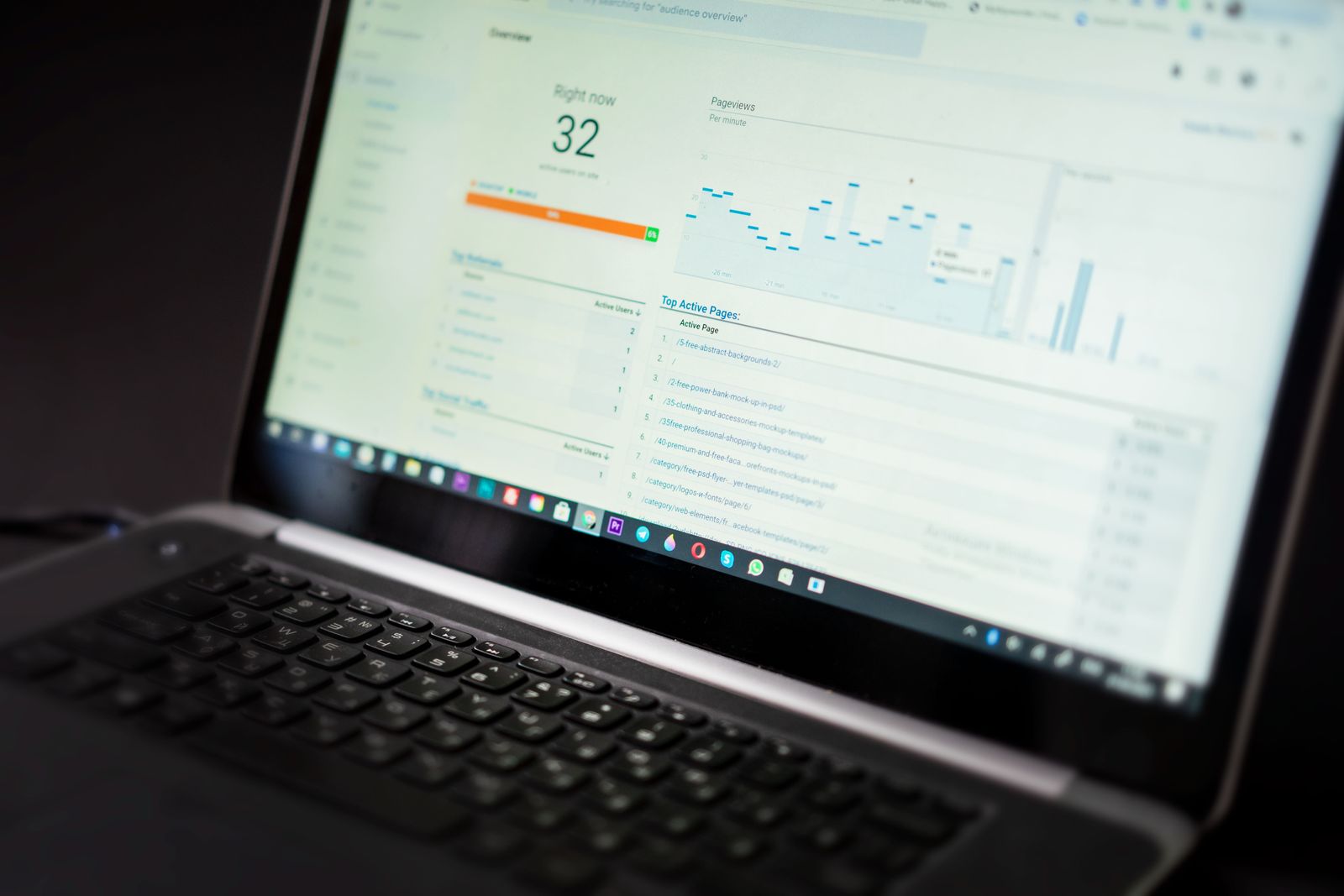
Speed is the most overlooked part of Arabic SEO. Arabic web fonts are heavier than Latin ones because each letter has several connected forms. A theme that loads three Arabic fonts in four weights each can add megabytes before any text appears. On fast Gulf fibre you may not notice. On a Syrian mobile connection during a power cut, the visitor leaves before the page renders.
- Run the page through PageSpeed Insights and look at the mobile result.
- Find font files in the diagnostics and note their size.
- Limit yourself to one Arabic font in two weights, regular and bold.
- Self-host it as WOFF2 rather than loading it from a third-party server where possible.
- Convert images to WebP or AVIF and resize them to the dimensions actually displayed.
If your audience includes Syrian users or the diaspora visiting family, test on a throttled connection. We explain why speed and code structure drive conversions in the speed-to-conversion metric.
Step 9: Link internally and measure in Search Console
Internal links tell Google which pages matter, and they cost nothing in an Arabic SEO plan. Link each Arabic article to the related Arabic service page and to two or three Arabic articles on the same topic, with descriptive Arabic anchor text. Do not point Arabic pages at English ones in the body; keep each language’s link graph clean.
Then measure. Google Search Console is the most important free tool for Arabic SEO because it shows the queries your pages actually appeared for. Open the Performance report and:
- Filter by country (UAE, Saudi Arabia, Syria or wherever you target).
- Add a Query filter and choose “Custom (regex)”.
- Enter a pattern that groups the spelling variants, such as
(عيادة|عيادات).*(أسنان|اسنان). - Sort by impressions and look for queries with many impressions but few clicks.
- Those are your openings: improve the title or add a section that answers the query directly.
Regex filtering has been in Search Console since 2021, and it is especially useful for Arabic because one filter can catch every spelling of a phrase.
Which tools work best for Arabic SEO?
For Arabic SEO, start with Google’s free tools: Search Console, Trends and PageSpeed Insights. Add a technical crawler such as Ahrefs Webmaster Tools or Screaming Frog. Paid suites save time on large sites but are not required for a small or mid-sized bilingual business.
On availability: everything below works normally in the UAE, Saudi Arabia, Qatar and the rest of the Gulf. In Syria, Google services have been returning gradually since January 2026, according to the Syrian communications minister, but not every service at the same pace. Paid tools need an international payment card, which many Syria-based businesses do not have, so a Gulf-based partner or the free tiers are the realistic route.
| Tool | What it does | Price (approx., subject to change) | Gulf / Syria availability | Free alternative |
|---|---|---|---|---|
| Google Search Console | Shows the queries your pages appear for and indexing errors | Free | Gulf: yes. Syria: needs only a Google account; access has been returning since 2026 | Nothing else has this data |
| Google Trends | Compares how popular search variants are by country and over time | Free | No sign-up; Gulf countries and Syria are listed | Google autocomplete |
| Google Keyword Planner | Estimates search volume and suggests keywords | Free, but needs a Google Ads account with a campaign | Gulf: yes. Syria: opening an Ads account from inside the country is still unreliable | Trends plus Search Console |
| Ahrefs Webmaster Tools | Site audit for 170+ issues, plus keywords and backlinks for your own site | Free for verified sites | Needs site verification only, no payment | It is the free version of Ahrefs |
| Screaming Frog SEO Spider | Desktop crawler that finds duplicate titles, broken links and hreflang errors | Free up to 500 URLs; licence £199 per year | Free version downloads and runs locally; licence needs an international card | Free version covers most small sites |
| PageSpeed Insights | Measures mobile and desktop speed and lists what slows the page | Free | No sign-up | Not needed |
| Rank Math | WordPress plugin for titles, descriptions, schema and on-page checks | Free version; PRO about €5.59 a month billed yearly in the first year | Free version from the WordPress plugin directory; PRO needs an international card | Free version |
If you can only pick two, pick Search Console and the free Ahrefs Webmaster Tools. The first gives you real Arabic search data; the second finds technical problems at no cost. Both also help you check hreflang pairs, which is where bilingual website SEO most often breaks.
A worked example: a bilingual dental clinic in Dubai
Let’s say you run a dental clinic in Dubai. The website is English-first, with an Arabic version created by a translation plugin two years ago. English pages get steady traffic; Arabic pages get almost none. Here is how Arabic SEO would play out, step by step:
- Research: You type “عيادة أسنان” in Google with the interface in Arabic and see suggestions such as “عيادة أسنان في دبي” and “تقويم أسنان دبي”. In Trends you compare “تقويم” and “تقويم الأسنان” for the UAE.
- Variants: Your Arabic pages say “طب الأسنان التجميلي” everywhere, a phrase few patients type. You rewrite headings to include the terms people actually search, naturally.
- Language: The Arabic service pages still carry English testimonials and an English footer. You translate the template and move testimonials to the English page only.
- Hreflang: Screaming Frog shows that half the Arabic pages are not linked to their English pairs. You fix the pairs in the plugin.
- Titles: Arabic pages show English titles in search results. You write Arabic titles that start with the treatment name.
- Speed: PageSpeed shows two Arabic fonts in six weights. You cut them to one font, two weights.
- Measurement: After four to six weeks, you filter Search Console by UAE and an Arabic regex for “أسنان” and compare impressions before and after.
That is Arabic SEO in practice: small, data-led decisions rather than random edits. Notice that nothing here required a paid tool. If the clinic also wants walk-ins from Arabic speakers, the Google Business Profile needs an Arabic description too. For businesses targeting Syria specifically, our guide to how to rank on Google in Syria covers the local results page in detail.
Common Arabic SEO mistakes and how to fix them
These Arabic SEO mistakes are common on bilingual sites in the region, and most take an hour or two to fix:
- Half-translated theme: Arabic menu, English footer and buttons. Fix: translate every template string or install a complete language file.
- Two languages on one URL: an Arabic paragraph followed by its English translation. Fix: split into two URLs linked with hreflang.
- English titles on Arabic pages: common with ready-made themes. Fix: set the Arabic title in your SEO plugin for every important page.
- Targeting the wrong market’s vocabulary: Gulf terms on a page meant for Syrians, or the reverse. Fix: go back to step one and compare variants in Trends for the right country.
- Changing slugs without redirects: old URLs return 404 and rankings drop. Fix: add a 301 redirect from the old URL to the new one.
- Trusting zero-volume numbers: a tool showing zero does not mean nobody searches. Fix: test the phrase in autocomplete and watch it in Search Console.
How long does Arabic SEO take to show results?
Simple technical fixes such as titles, hreflang pairs and page speed can show an effect within a few weeks, once Google recrawls the pages. New Arabic content usually needs several months to settle, depending on competition and the age of the site.
There is no fixed number, and anyone promising page one in two weeks is overselling. Track progress monthly in Search Console: are Arabic impressions growing, are new queries appearing, is the average position improving? Those signals move before traffic does. Arabic SEO rewards patience: keep the pages updated and the gains compound.
A two-week Arabic SEO plan for an existing bilingual site
If your site is already live and you want a starting plan, this split works for someone with an hour or two a day:
| Days | Task | Tool |
|---|---|---|
| 1-2 | Connect Search Console and Ahrefs Webmaster Tools; export current Arabic queries | Search Console, Ahrefs Webmaster Tools |
| 3-4 | Arabic keyword research for your five most important pages | Autocomplete, Google Trends |
| 5-6 | Full crawl: duplicate titles, broken links, hreflang errors, wrong-language pages | Screaming Frog (free) |
| 7-8 | Rewrite Arabic titles and descriptions for those five pages | Rank Math |
| 9-10 | Trim fonts and images on the slowest pages | PageSpeed Insights |
| 11-12 | Add internal links and sections that answer real customer questions | WordPress editor |
| 13-14 | Request reindexing and record baseline numbers | Search Console URL Inspection |
Why only five pages? Because in Arabic SEO, as in bilingual website SEO generally, depth beats breadth. Five pages that answer real questions well will do more than fifty pages with tweaked titles. Once you see movement, repeat the plan on the next five.
Arabic SEO checklist you can copy
Paste this into your notes and run every Arabic page through it before publishing:
Arabic SEO checklist
[ ] Collected keyword variants (standard / dialect / English / spelling)
[ ] Compared variants in Google Trends for the target country
[ ] Main keyword at the start of the title; title around 50-60 characters
[ ] Meta description 140-160 characters, answers the searcher's question
[ ] Short slug (English or Arabic) with hyphens
[ ] One language per page; menus and footer translated
[ ] dir="rtl" and lang="ar" present in the html tag
[ ] Arabic and English pages paired with hreflang (+ x-default)
[ ] Content written natively in Arabic with local examples
[ ] One Arabic font, two weights; images in WebP and compressed
[ ] PageSpeed mobile result checked; biggest issue fixed
[ ] At least 3 internal links with descriptive Arabic anchors
[ ] Page inspected in Search Console
[ ] Review date set for 4-6 weeks out
When to bring in a specialist
You can apply everything in this guide yourself. If your site has hundreds of bilingual pages, multiple Arabic markets, or lost rankings after a redesign, the time saved may matter more than the learning. DMANTRA, a Damascus-based digital marketing agency serving clients in Syria, the Gulf and worldwide remotely, offers SEO and AI visibility services for Arabic and bilingual websites. Gulf businesses can read how we work remotely on our page about digital marketing for Gulf businesses, or simply contact the DMANTRA team for a quick review before committing to anything.
Start with step one today. Ten minutes in Arabic autocomplete and Google Trends will tell you more about how your customers search than any report. Arabic SEO, in the end, comes down to writing with the words your audience types.
Arabic SEO FAQ
Does Google understand Arabic dialects in search queries?
Yes, Google processes queries written in Arabic dialects and returns results for them. A page written only in Modern Standard Arabic may still miss dialect words such as “ألبسة” or “جوال”, so it helps to use the most common local form naturally once or twice.
Are Arabic URLs better for SEO than English URLs?
There is no official evidence that either ranks better, and Google supports both. The difference is practical: Arabic slugs turn into long encoded strings when shared, so short English slugs are usually the safer choice for bilingual sites.
How do I set hreflang for Arabic pages?
When setting hreflang for Arabic pages, use ar if one Arabic version serves every Arabic-speaking market. Add region codes such as ar-AE, ar-SA or ar-SY only when the content differs by country, and include an x-default fallback.
Can I use AI to translate my English site into Arabic?
Use it for a first draft, not for publishing; raw machine translation is one of the fastest ways to undermine Arabic SEO. Google treats large volumes of automated text without human oversight as low effort, and Arabic readers spot translated phrasing quickly. Edit every page and add local examples before it goes live.
What are the best free tools for Arabic keyword research?
Google autocomplete, Google Trends and Search Console cover most needs, and Keyword Planner adds volume estimates if you have a Google Ads account. For Arabic queries, this first-party data is often more useful than third-party volume estimates.